
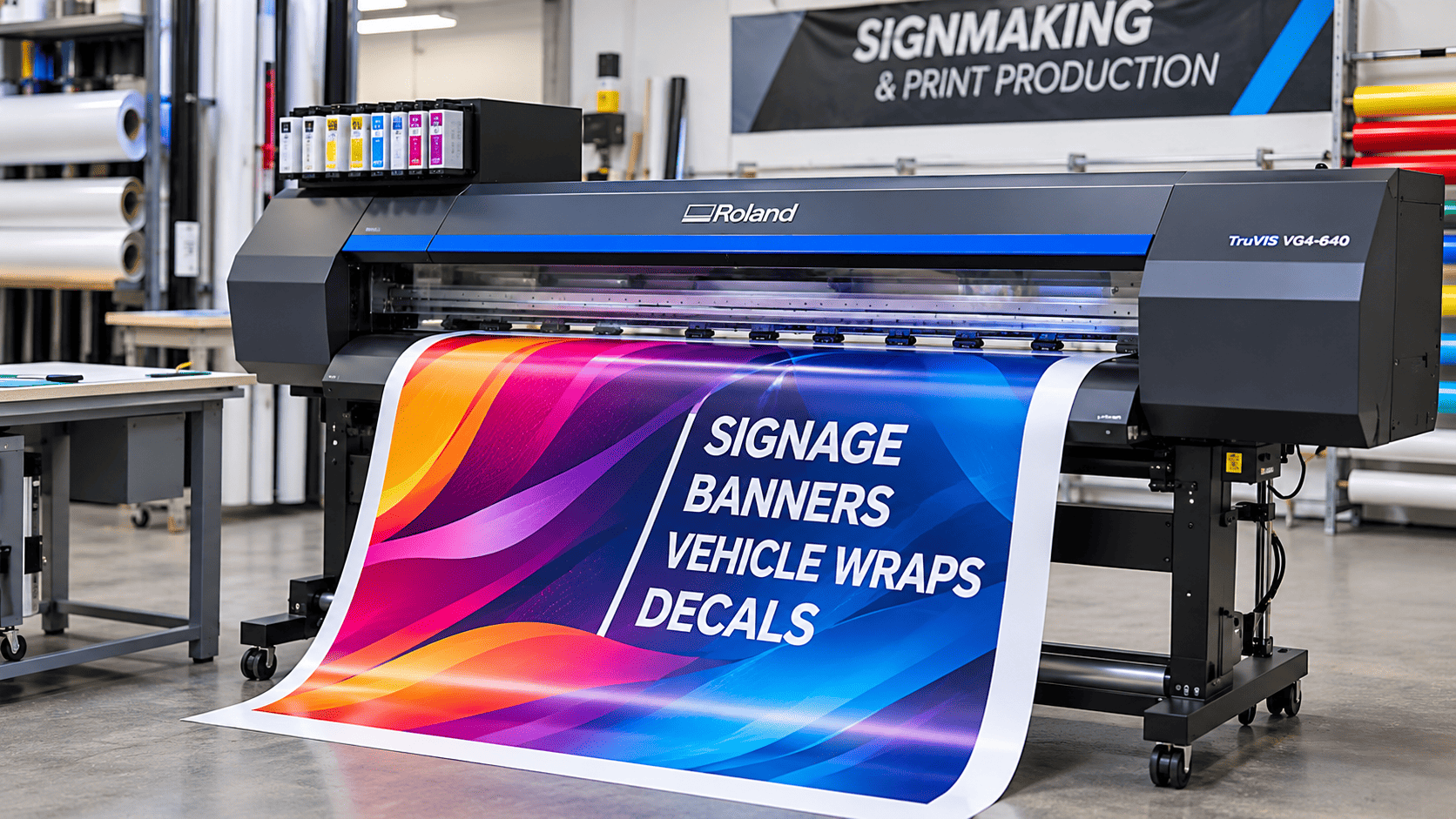
A sign making machine is a major investment, and it has to earn its keep every week. The wrong choice shows up quickly on the shop floor.
- Print speeds that look good on paper but slow down real jobs.
- Ink and media costs that climb faster than the quote suggested.
- Waiting on a technician while orders pile up.
Bi-Wize Signage Supplies has served the signmaking industry since 1969, so we hear these concerns often. If you are weighing up a wide format printer in Australia, this blog will help you understand how to match a machine to your work, compare Mimaki and Roland fairly, and work out what ownership really costs.
Focus: Choosing a sign making machine that suits your work.
Key Considerations: Job mix, ink technology, media, volume, running costs and servicing.
Approach: Match the machine to your highest earning jobs first, then compare running costs and support.
Professional Insight: Bi-Wize Signage Supplies, a Victorian supplier since 1969, suggests confirming local servicing before comparing prices, especially when buying a Mimaki printer in Australia.
Outcome: Steady production without surprise costs.
What Should You Consider Before Buying A Sign Making Machine?
Start with your work, not the machine. List the signage products you make most often, estimate the square metres you print in a typical week, and decide what you can comfortably spend to run the machine once it arrives. Those three answers narrow the field faster than any specification sheet.
What Signage Products Will You Produce?
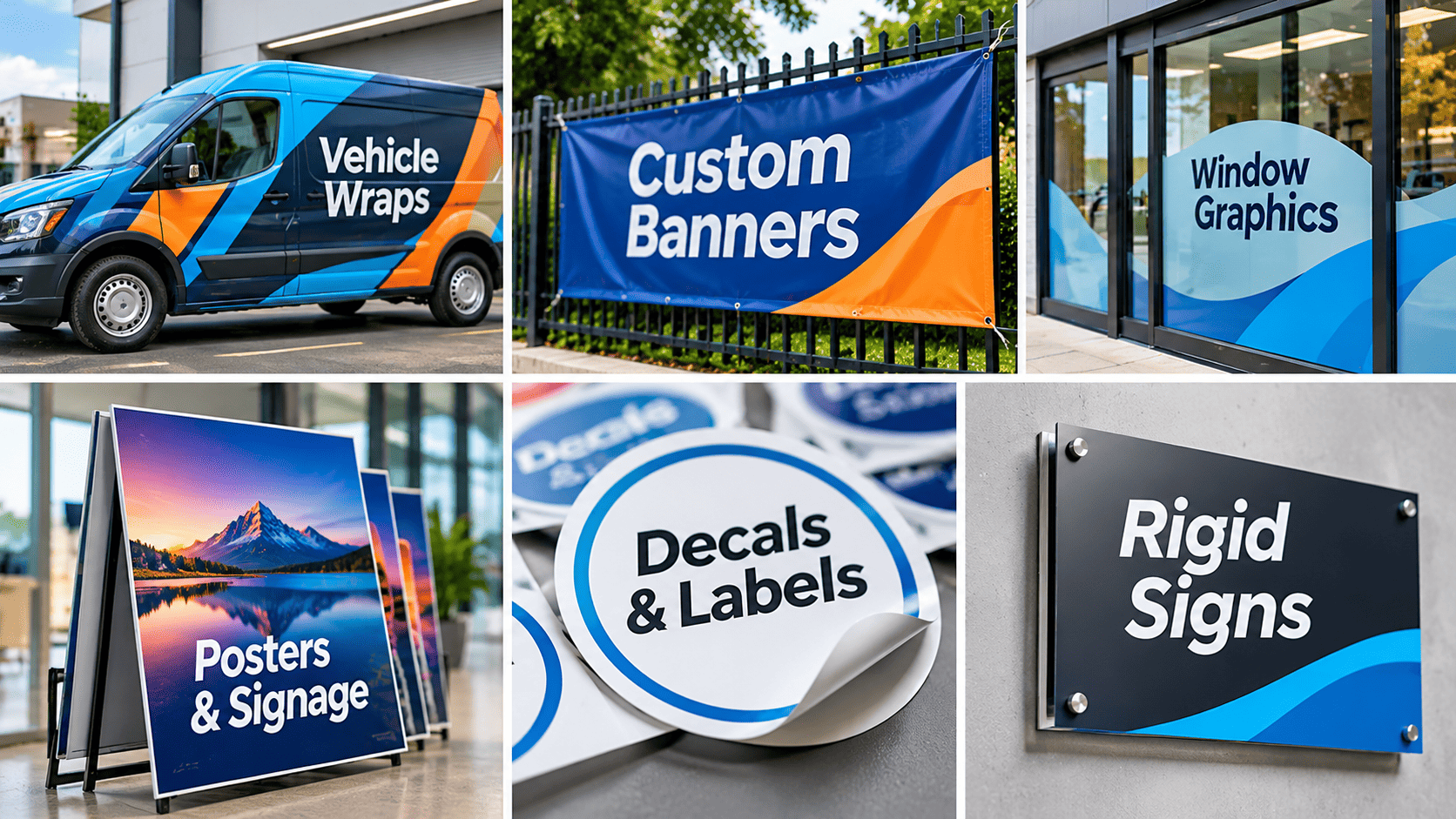
Each product asks something different of a machine:
- Banners and posters: Width and print speed.
- Vehicle wraps: Accurate colour and compatibility with cast vinyl.
- Decals and labels: Cutting built into the same machine.
- Window graphics: Clean contour cutting and a choice of laminate finishes.
- Rigid signs and objects: UV printing or CNC routing.
Rank your jobs by revenue instead of volume. The work that pays the bills should set the specification, even if it is not the work you do most often. Pull your last three months of invoices and total the square metres by job type. Patterns appear quickly, and they are more reliable than memory.
How Much Printing Capacity Do You Need?
Capacity means the square metres you can produce per day at a quality your customers accept. Brochure speeds usually reflect the fastest draft mode, while most client work runs in a slower one. Ask for speeds at the quality you plan to sell.
Finishing sets a limit too. If one person prints, laminates, trims and installs, the printer sits idle waiting for hands. Roll width also drives waste, so check how your common job sizes nest across the media before choosing a narrower or wider machine.
What Is The Total Cost Of Ownership?
Total cost of ownership is everything you spend on a machine over its working life, beyond the invoice price. Space, power, ventilation, workbenches, training and labour all belong in the figure. Many buyers budget for the printer, then discover the extraction, the cutting table and the first rolls of media were never costed.
Supply access matters as well. Reliable sign making supplies online in Australia mean ink, vinyl and application tools reach you without a trip to a store, but confirm delivery times and costs for your first consumables order before installation day.
Should You Buy A Machine Or Outsource Your Printing First?
Outsourcing first suits shops that are unsure of their demand. Sending jobs to a trade printer or CNC provider shows how many square metres you could produce in-house, which turns a guess into a figure.
Bi-Wize offers wide format printing and CNC services, so some shops test their job mix this way before committing to equipment. Track every outsourced job for two or three months, noting size, material and margin. If the same job types keep returning, that list becomes your machine specification.
Which Type Of Sign Making Machine Suits Your Work?
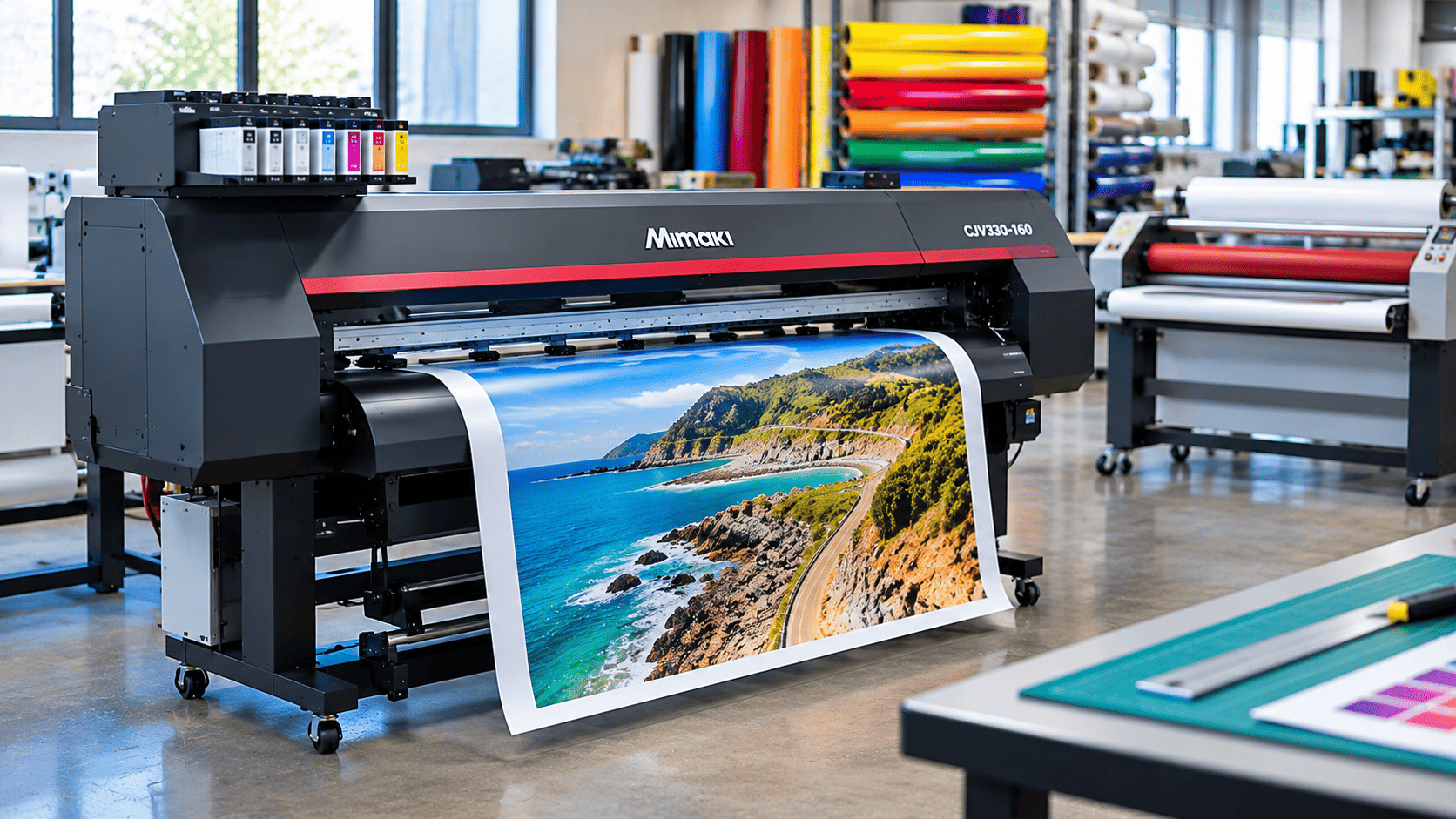
A wide format printer suits full colour graphics, a vinyl cutter suits lettering and contour cutting, and a laminator protects and finishes printed jobs. Most working sign shops end up running two or all three, and the order you buy them in depends on what you sell most.
| Machine | Best suited to | Main limit |
| Wide format printer | Banners, posters, wraps, decals | Needs finishing for durability and shape cutting |
| Print and cut machine | Stickers, labels, contour cut decals | Printing and cutting share one machine, so one task can wait on the other |
| Vinyl cutter or plotter | Single colour lettering, stencils, cutting printed sheets | Cannot print colour |
| Laminator | Protecting prints, adding gloss or matt finishes, mounting | Adds no print capacity and needs floor space |
| UV flatbed or hybrid printer | Rigid boards, plastics, specialty items | Higher purchase price and a narrower use for pure vinyl work |
When Is A Wide Format Printer The Right Choice?
Choose one when full colour work generates most of your revenue. The ink type then shapes what you can print on and how quickly you can finish a job.
Eco Solvent Ink
Common for vinyl, banners and vehicle graphics. Solvent prints need time to outgas before lamination. Many media makers suggest around 24 hours, and the media data sheet gives the exact figure. Laminating early can trap solvent under the film and cause bubbles, so same day laminated jobs need planning.
Latex Ink
Water based, and prints generally come off the machine dry, so finishing can start sooner. Check that your chosen media is compatible before committing.
UV Curable Ink
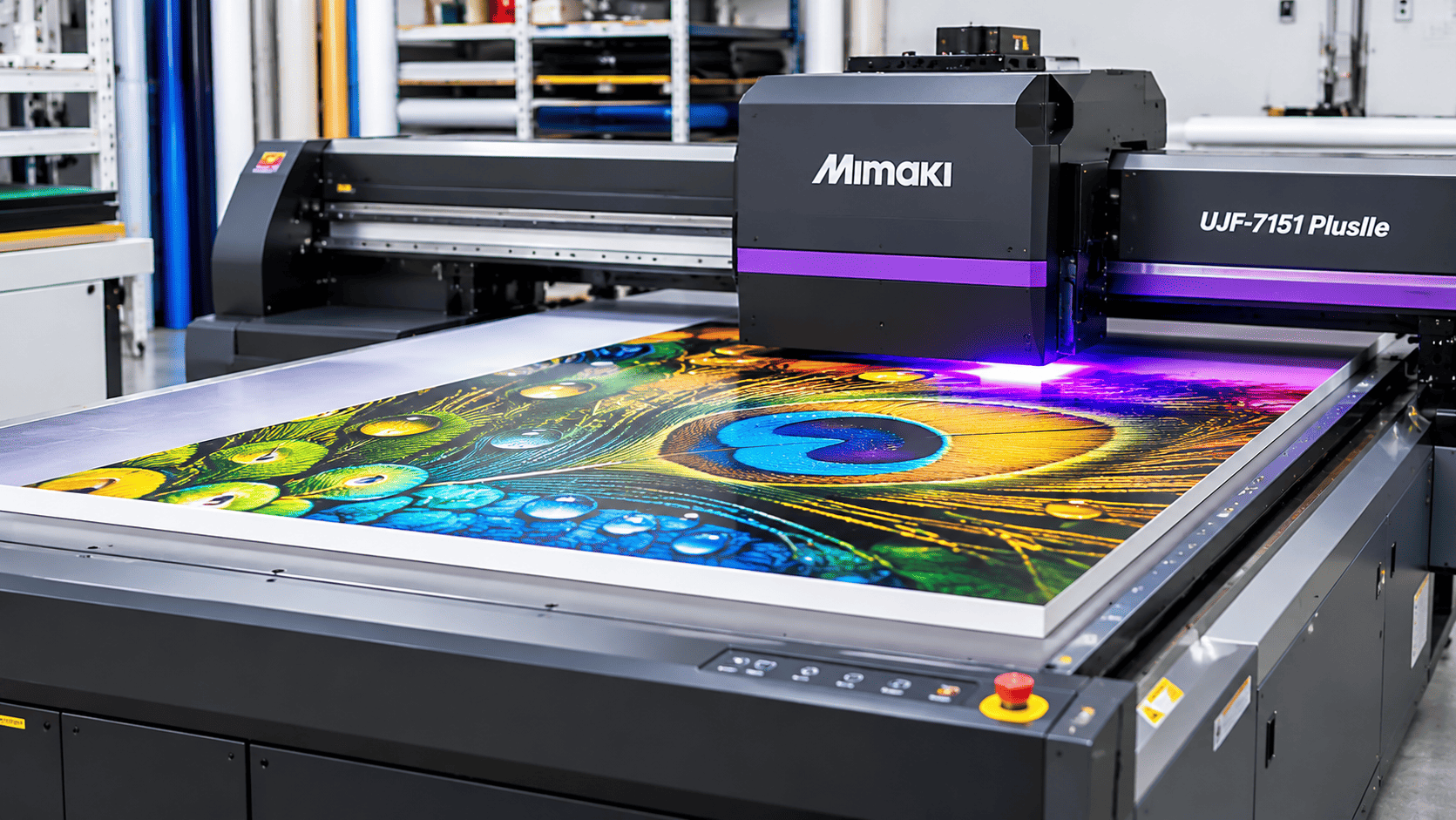
Cured by UV light as it prints, so output is dry straight away. This suits rigid boards, plastics and specialty items on flatbed or hybrid machines, and it is unnecessary for pure vinyl work.
DTF Printing
DTF, short for direct to film, prints a design onto a transfer film that is then heat pressed onto fabric. It serves apparel and uniform work, which is a different market from signage, so add it only if garment decoration is a real revenue line.
When Should You Consider A Vinyl Cutter Or Plotter?
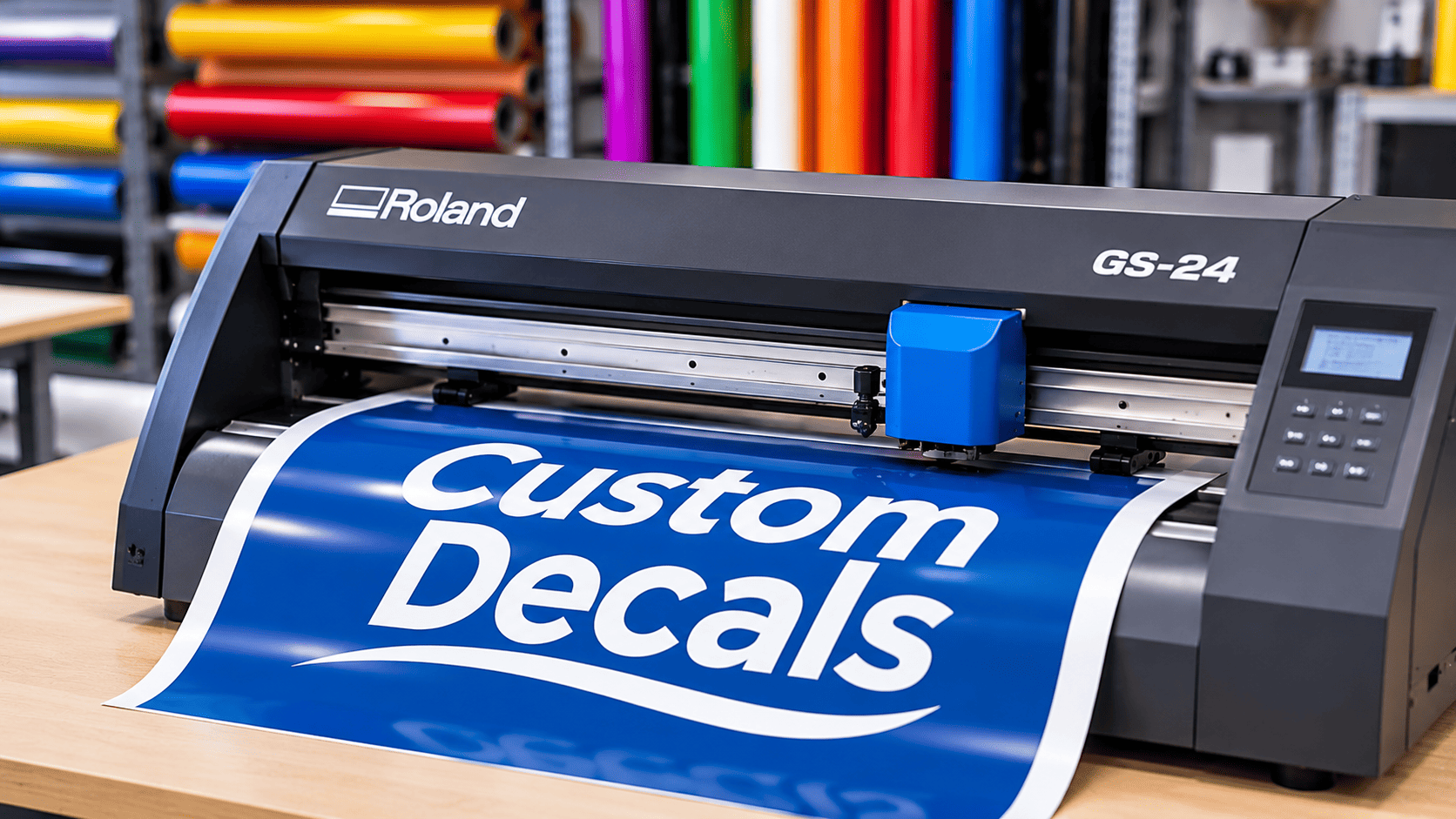
Consider one when you cut a lot of single colour lettering, stencils or shapes, or when your printer has no built in cutter.
- Lettering and logos: Sharp edges and easy weeding.
- Contour cutting: Trimming printed decals to shape using registration marks.
- Masks and stencils: Cutting application tape for paint or etching jobs.
A separate cutter keeps the printer free while the cutter works, which helps when both run in the same hour. A print and cut machine saves space but handles jobs in sequence.
Where Do CNC Routers Fit In A Sign Shop?
CNC routers cut and engrave rigid materials such as acrylic, aluminium, wood and foam board. They suit dimensional lettering, shaped panels and engraved signs, which a printer or vinyl cutter cannot produce.
Routers also bring running costs of their own, including router bits, collets and design software. Many shops outsource routing until the volume justifies a machine of their own.
Do You Need A Laminator As Part Of Your Workflow?
Yes, if your prints face weather, traffic or frequent handling. Laminate adds UV and scratch protection and gives a gloss or matt finish. When you compare options for a wide format laminator in Australia, match the roller width to your widest printer and confirm whether the films you use need a heated model.
Space matters more than most buyers expect. Long rolls need a clear bench and ideally a second pair of hands or a roll support, otherwise bubbles and creases waste expensive film.
Find The Right Machine Today
How Do You Choose Between Mimaki And Roland Printers?
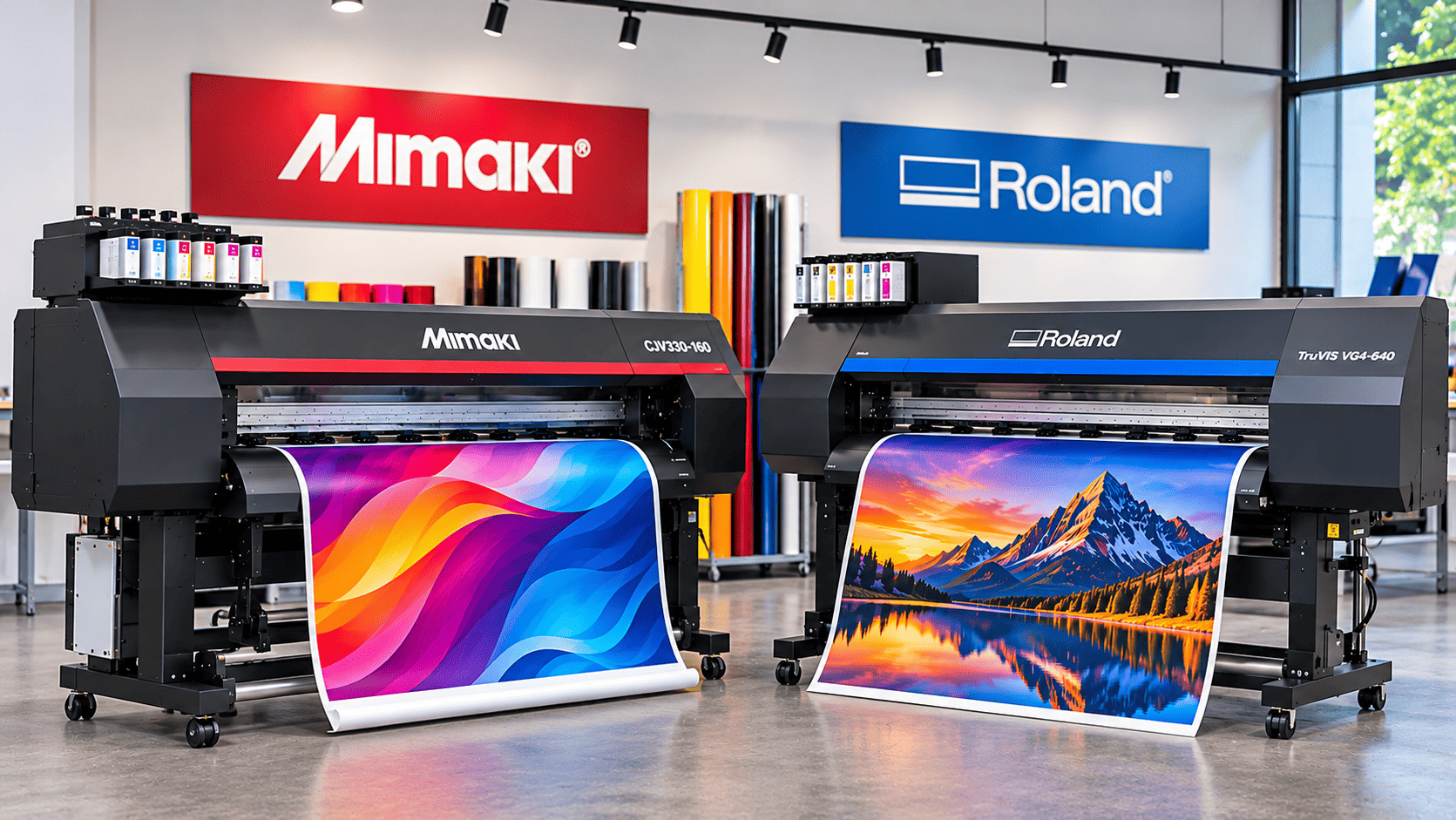
Choose by application, media, ink and local support, and set brand loyalty aside. Mimaki and Roland both build well regarded wide format machines, so the right pick is the model whose specification and service fit your jobs. Bi-Wize supplies both Mimaki and Roland printers, and the checks below apply to either brand.
A fair Mimaki vs Roland printer comparison starts with your jobs and only then moves to specifications.
Which Applications And Media Suit Each Printer?
Both brands cover signage, graphics and specialty printing, and the differences appear at model level. Bi-Wize currently lists Roland eco solvent printers such as the TruVIS VG4 Series, XP-640 and XG-640, alongside the VersaSTUDIO BN2 Series. Mimaki’s eco solvent range includes the JV200, CJV200, JV330 and CJV330. On the UV side, the range includes the Mimaki UJ330H hybrid printer and UJF-7151 PlusIIe flatbed, plus several Roland flatbeds.
| Technology | Example models in the Bi-Wize range | Typical use |
| Eco solvent | Roland TruVIS VG4, XP-640, XG-640, VersaSTUDIO BN2; Mimaki JV200, CJV200, JV330, CJV330 | Vinyl, banners, vehicle graphics |
| UV-LED hybrid | Mimaki UJ330H | Roll media and rigid media on one machine |
| UV-LED flatbed | Mimaki UJF-7151 PlusIIe, Roland VersaSTUDIO BD | Rigid items and specialty products |
| DTF | Roland VersaSTUDIO BY-20, TY-300 | Garment and textile transfers |
Take your three most demanding materials, such as a cast wrap film, a fabric banner and a textured wall film. Ask whether each has a tested profile for the model. A profile is a settings file that tells the printer how much ink to lay down for that material.
Note: Ranges and prices are subject to change, so confirm current availability, specifications and pricing before you shortlist.
What Should You Compare Across Specific Models?
Compare the same factors across every shortlisted model, and use figures from the supplier rather than assumptions.
| Factor | What to check | Why it matters |
| Print width | Usable width, not machine width | Affects waste and maximum job size |
| Ink set | CMYK only, or extra colours such as white or light inks | Affects colour range and specialty work |
| Print modes | Square metres per hour at your usual quality | Shows real throughput |
| Integrated cutter | Built in or separate | Affects workflow and floor space |
| Media profiles | Tested profiles for your materials | Reduces test prints |
| Software | RIP and design program compatibility | Affects daily workflow |
| Maintenance | Daily and weekly tasks, cleaning cycles | Affects head life and downtime |
Raster Image Processor (RIP) software, short for raster image processor, converts your artwork into the instructions the printer follows and manages colour and nesting. Ask for a test print with fine text and a large solid fill. Banding shows up in solids, and small text reveals true resolution.
How Much Does A Wide Format Printer Cost?
Printer prices vary widely because the technology behind them varies. Bi-Wize’s Roland eco solvent range starts at about $9,845 for the VersaSTUDIO BN2 Series and reaches $39,995 for the XG-640. UV printers cover a broader span, from Roland VersaSTUDIO BD flatbeds at about $12,600 to the Mimaki UJ330H hybrid at $67,995 and the UJF-7151 PlusIIe flatbed at $93,995. Larger production flatbeds cost more again.
Note: Use these figures as a guide and not a final quote. Confirm current pricing and whether GST is included when you enquire, then add the running costs covered below.
How Do Workflow, Ink And Service Requirements Affect The Decision?
Pick the machine your team can run smoothly and your supplier can support quickly. Once specifications look similar, these three factors often settle the decision.
- Workflow: Operators who know one brand’s software lose time retraining, so consider what your designers use daily, such as Adobe Illustrator or CorelDRAW.
- Ink: Check supply, pricing and colour options for each machine before you buy.
- Service: Find out who services each brand in your state and how quickly they can attend.
Check Model Suitability And Pricing
What Running Costs Should You Calculate Before Buying?
Calculate ink, media, laminating film, maintenance parts, cleaning supplies, waste, labour and downtime, then express the total per square metre printed. The purchase price hides most of what a printer costs over several years, which is why two machines with similar quotes can run at very different costs.
| Cost item | What drives it | How to keep it in check |
| Ink | Artwork coverage, print mode, ink type | Use profiled settings and test with real jobs |
| Media | Roll width, nesting, material grade | Buy widths that match your common jobs |
| Laminating film | Finish, width, trimming waste | Laminate only jobs that need protection |
| Maintenance parts | Wipers, capping parts, cutting blades | Follow the schedule and keep common spares |
| Cleaning supplies | Head cleaning fluid, swabs, flush solutions | Stock them with your first ink order |
| Waste | Test prints, misprints, trimming | Proof small areas and nest jobs tightly |
| Labour | Handling, finishing, installation time | Plan workshop layout around the workflow |
| Downtime | Head clogs, parts delays, breakdowns | Choose local support and routine care |
How Do You Work Out Cost Per Square Metre?
Use your own jobs, because your numbers will beat any manufacturer figure.
- Pick three typical jobs.
- Record the ink, media, laminate and labour for each.
- Add a waste allowance based on your past reprints.
- Divide the total by the square metres produced.
How Does Ink Choice Affect Your Costs?
Ink use depends heavily on artwork. A full colour wrap with solid backgrounds uses far more ink than a text banner on white, so a cost per square metre only means something against your own job mix.
Genuine Mimaki ink in Australia is formulated and profiled for Mimaki machines, which supports consistent colour and head life. Check your warranty terms before using third party inks, since conditions differ.
Idle machines carry a hidden cost too. A printer that sits unused for long stretches can need extra cleaning cycles, and those cycles use ink. Build a weekly print routine into your costing.
Why Do Cleaning Supplies And Spare Parts Belong In Your Budget?
Cleaning fluids and wear parts are small line items that prevent expensive failures. Print heads are among the costliest components in any inkjet printer, and regular cleaning is the most direct way to protect them.
Check that your supplier stocks cleaning products and parts for your specific model, because Mimaki and Roland machines use different consumables. Order a small spares kit with the printer so a worn wiper never stops a job.
Stock Up On Genuine Consumables
What Should You Check Before Choosing A Printer Supplier?
Check that the supplier can install the machine, train your operators, service it locally, supply parts and keep consumables in stock. A printer is only as productive as the support behind it, and gaps in any one area tend to surface when work is busiest.
Is Installation And Training Available?
Ask what installation covers. A proper setup includes unpacking, levelling, ink loading, head checks, loading media profiles and a test print on your own media. Request that list in writing.
Early habits matter. Loading media under uneven tension or skipping the daily cleaning routine leads to banding and clogged heads. Operator training in the first weeks prevents costly habits from forming.
Can You Access Servicing And Replacement Parts?
Yes, if a local team holds common parts and completes repairs without long waits. Ask where technicians are based and which parts, such as wipers and capping components, they keep in stock.
Shops looking for Mimaki printer repairs in Melbourne can contact Bi-Wize, which offers servicing for Mimaki printers and cutters. Every day of downtime costs you jobs, so confirm technician availability and typical response times in writing before you buy.
Are Genuine Inks And Compatible Media Easy To Source?
They should be. Ask about stock levels, delivery times and which media have tested profiles for your printer, since a delayed delivery halts production as surely as a breakdown.
Bi-Wize keeps a wide range of materials in stock and delivers across Victoria, with free delivery options available. Whoever you buy from, keep a buffer of the inks and media you use most.
Does A Local Supplier Make A Practical Difference?
It does when something goes wrong. A local supplier can answer a question the same day, supply a part within days instead of weeks and let you inspect a machine before buying. Our showroom is at Unit 4, 161 Settlement Rd, Thomastown, open Monday to Friday 8am to 4.30pm and Saturday 8am to 12pm. Bring sample artwork and your usual media for a test print.
How Can You Tell Which Machine Is The Best Fit For Your Sign Shop?
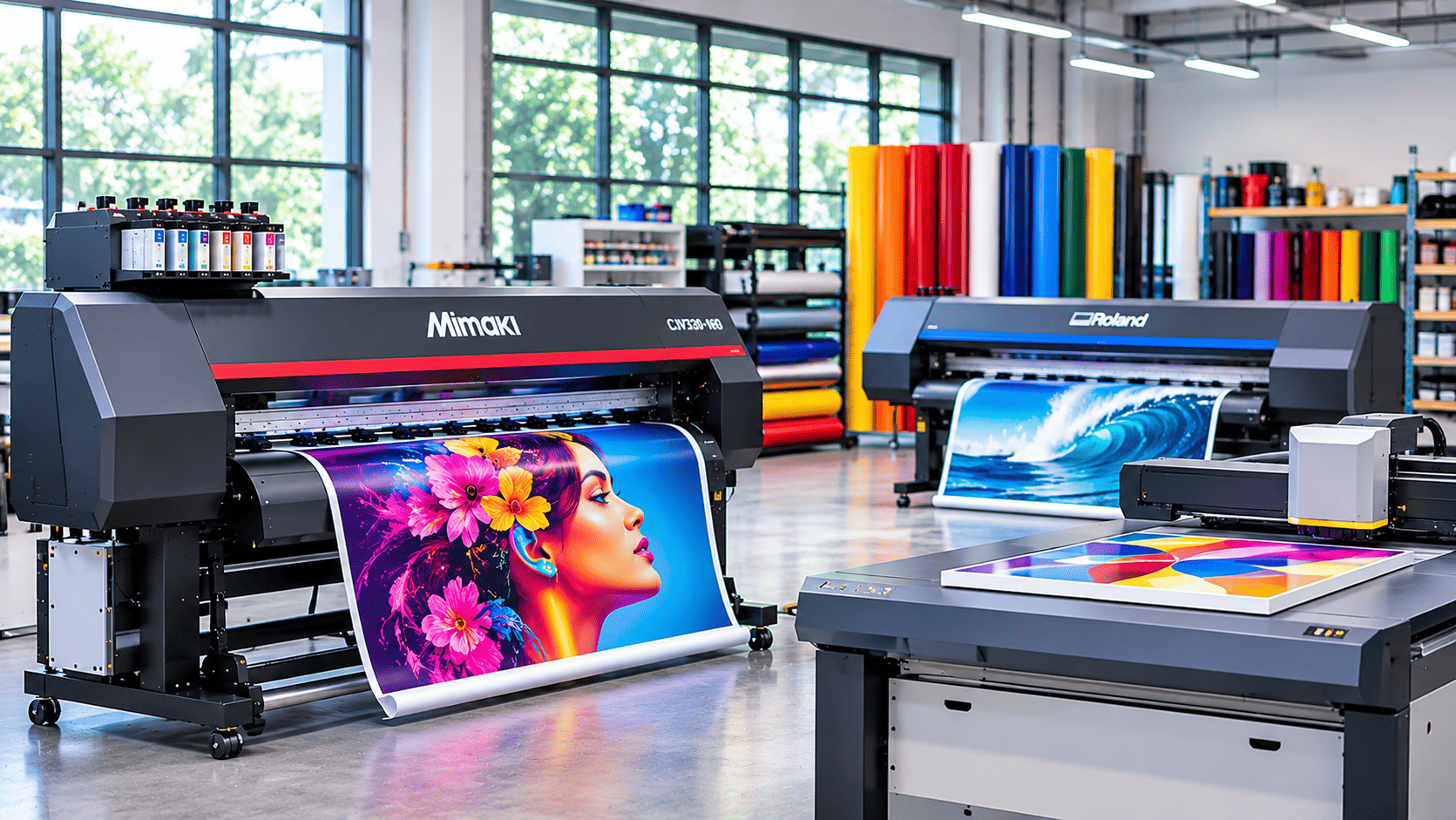
The best fit is the machine that handles your highest earning jobs, leaves room for work already booked and comes with service you can reach quickly. Score each shortlisted option against the factors below, then compare the totals.
- Applications: Can it run your top five jobs?
- Volume: Does it match your weekly square metres at real quality?
- Media: Are there tested profiles for your materials?
- Space: Is there room for the machine, rolls and finishing?
- Budget: Is the running cost figure included?
- Support: Who services it, and how fast?
| Shop stage | Typical priorities | Starting direction |
| Small shop | Decals, banners, low volume, tight space | A compact eco solvent printer, with a laminator added later |
| Growing shop | Mixed jobs, repeat orders, finishing bottlenecks | A wider printer with a separate cutter and a laminator |
| High volume shop | Daily production, quick turnaround, minimal downtime | A faster wide format printer, several finishing stations and a service plan agreed upfront |
| Specialty shop | Rigid signs, promotional items, custom products | A UV flatbed or hybrid printer alongside roll fed capacity |
Treat these as starting points for discussion rather than performance promises.
If you work from Melbourne, a nearby source of signage supplies in Melbourne keeps ink and media close, which shortens the gap between running low and running out. Buy for the next twelve months of confirmed work, and check upgrade paths such as adding a cutter or laminator later.
Discuss Your Production Needs With Us
Conclusion
The right machine comes from knowing your jobs, your volumes and your real running costs before you look at a price. A wide format printer for your Australian sign shop should suit your media, finish cleanly and come with support you can rely on. Bi-Wize Signage Supplies has worked in signmaking since 1969 and supplies both Mimaki and Roland printers, so we can talk through printers, consumables and servicing together. Get in touch with your applications and weekly volume, and we will help you shortlist suitable equipment.
FAQs
What should a first time sign shop buy first?
Buy the machine that produces your most common job from start to finish. For many new shops that is an eco solvent printer with cutting capability, with a laminator added once outdoor work builds. Leave larger investments until repeat orders prove the demand.
Can one printer handle every signage application?
Rarely. Roll fed solvent printers suit vinyl, banners and posters, while rigid boards, acrylic and timber panels usually call for a UV flatbed or hybrid. Textiles and garments need DTF or other processes. Decide which applications you will outsource instead of forcing one machine to cover everything.
What should you ask about servicing before buying?
Ask whether the warranty needs scheduled servicing, how remote support works and what a call out covers. Request a written service schedule. A supplier who answers clearly before the sale tends to support you well after it.
How should you plan for future production growth?
Plan around your bottleneck. If printing slows you down, consider a second printer. If finishing is the delay, add a laminator or cutter first. Record weekly square metres and late jobs for three months, then use that data to decide your next purchase.