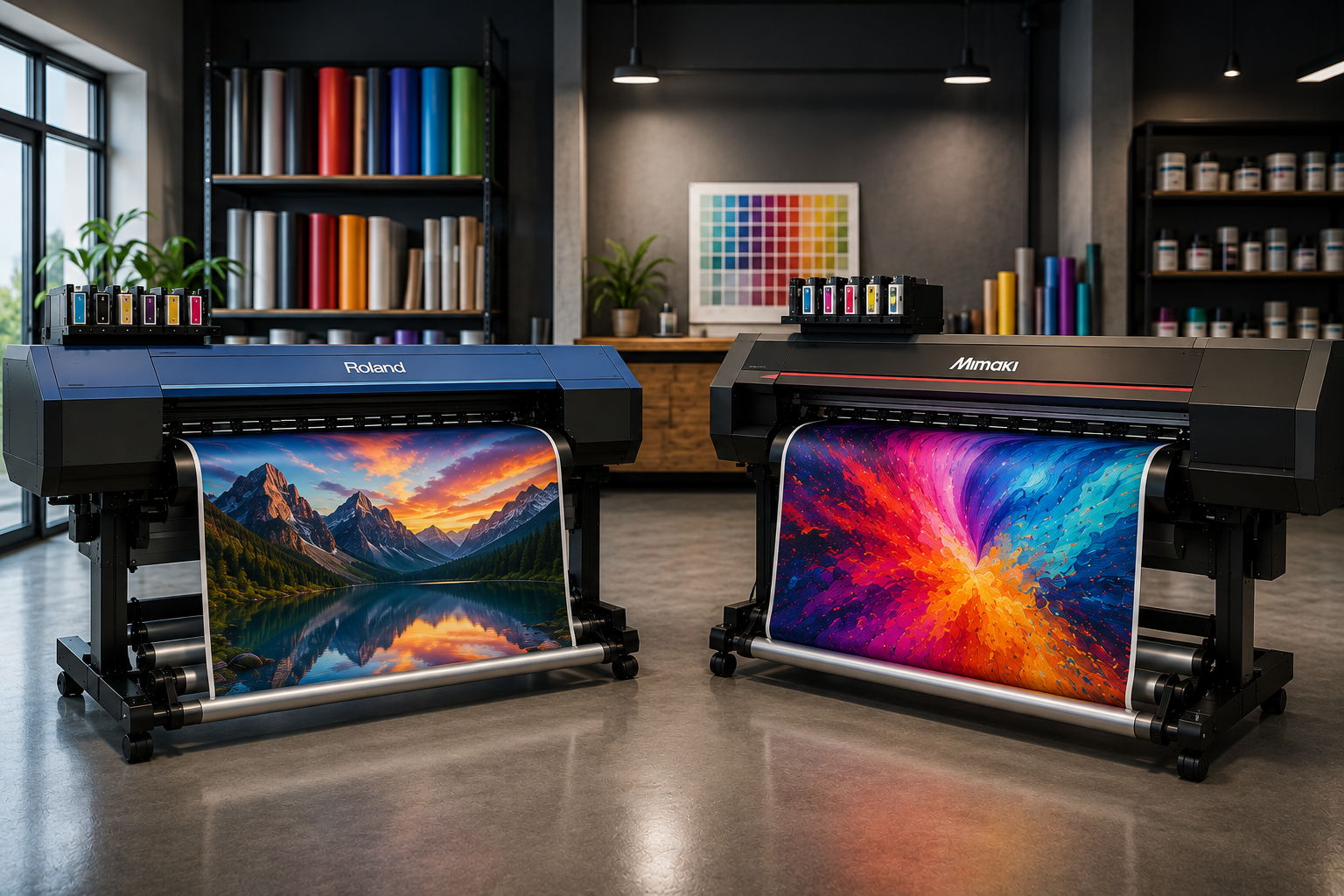
Choosing between Roland and Mimaki can be difficult when both brands offer professional wide format equipment for signage, vehicle graphics, stickers and other applications. The wrong choice can affect:
- Production speed and daily output.
- Print quality and colour consistency.
- Media compatibility and workflow efficiency.
- Maintenance requirements and long term operating costs.
Bi-Wize has been the trusted supplier of printers in Australia and other related equipment. This comparison looks at the practical differences between Roland vs Mimaki printer options, including print quality, print-and-cut workflows, running costs, software and support.
Focus: Roland vs. Mimaki Wide Format Comparison for the Professional Sign Shop
Key Considerations: Print quality, ink systems, media handling, production volume, print-and-cut capability and service.
Selection Principle: Better printer depends on your applications, workflow and expected production volume.
Professional Insight: Bi-Wize considers printer selection as part of the whole production workflow rather than a specs-only decision.
Result: A better matched printer can increase consistency, reduce workflow bottlenecks, and allow for dependable production.
Outcome: A better-matched printer can improve consistency, reduce workflow bottlenecks and support reliable production.
Which Is Better For Sign Shops, Roland Or Mimaki?
Both Roland and Mimaki make professional equipment, but the right choice depends on what type of signage is being produced and how the machine will fit into the existing workflow.
For a sign shop, important considerations include:
| Factor | Roland | Mimaki |
| Signage Production |
Strong range of eco-solvent and other wide-format options |
Strong range across eco-solvent, UV and other technologies |
| Print-and-Cut | Available across selected models | Available across selected models |
| Colour Options | Multiple ink configurations depending on model | Multiple ink configurations depending on model |
| Media Flexibility | Depends on machine and ink system | Depends on machine and ink system |
| Workflow Software | VersaWorks available with selected Roland systems | RasterLink available with selected Mimaki systems |
| Best Choice | Depends on workflow and production needs | Depends on workflow and production needs |
The key point is that comparing two brands at a broad level can hide major differences between individual models.
How Do Roland And Mimaki Compare For Print Quality And Colour?
Both can produce professional quality graphics, but colour performance depends on the specific ink configuration, print mode, media profile and RIP settings rather than the brand name alone.
Roland TrueVIS systems, for example, offer different ink configurations and colour options depending on the model. Some configurations include additional colours designed to expand colour reproduction.
Mimaki systems also offer expanded colour configurations on selected machines. The CJV330, for example, supports CMYK with light colours and orange, with optional white ink depending on configuration. It is designed for high quality print-and-cut production.
What most experts miss: Colour consistency is often affected by the media profile and RIP workflow as much as the printer itself. A high-end printer can still produce inconsistent results if media calibration, profiles or maintenance are poorly managed.
What Matters In Real Production?
Look beyond maximum resolution and ask:
- Are the required media profiles available?
- Can operators maintain consistent settings between jobs?
- Does the RIP workflow fit your current production process?
- Can the machine reproduce the colours your clients regularly request?
Is Roland Or Mimaki Better For Print And Cut Production?
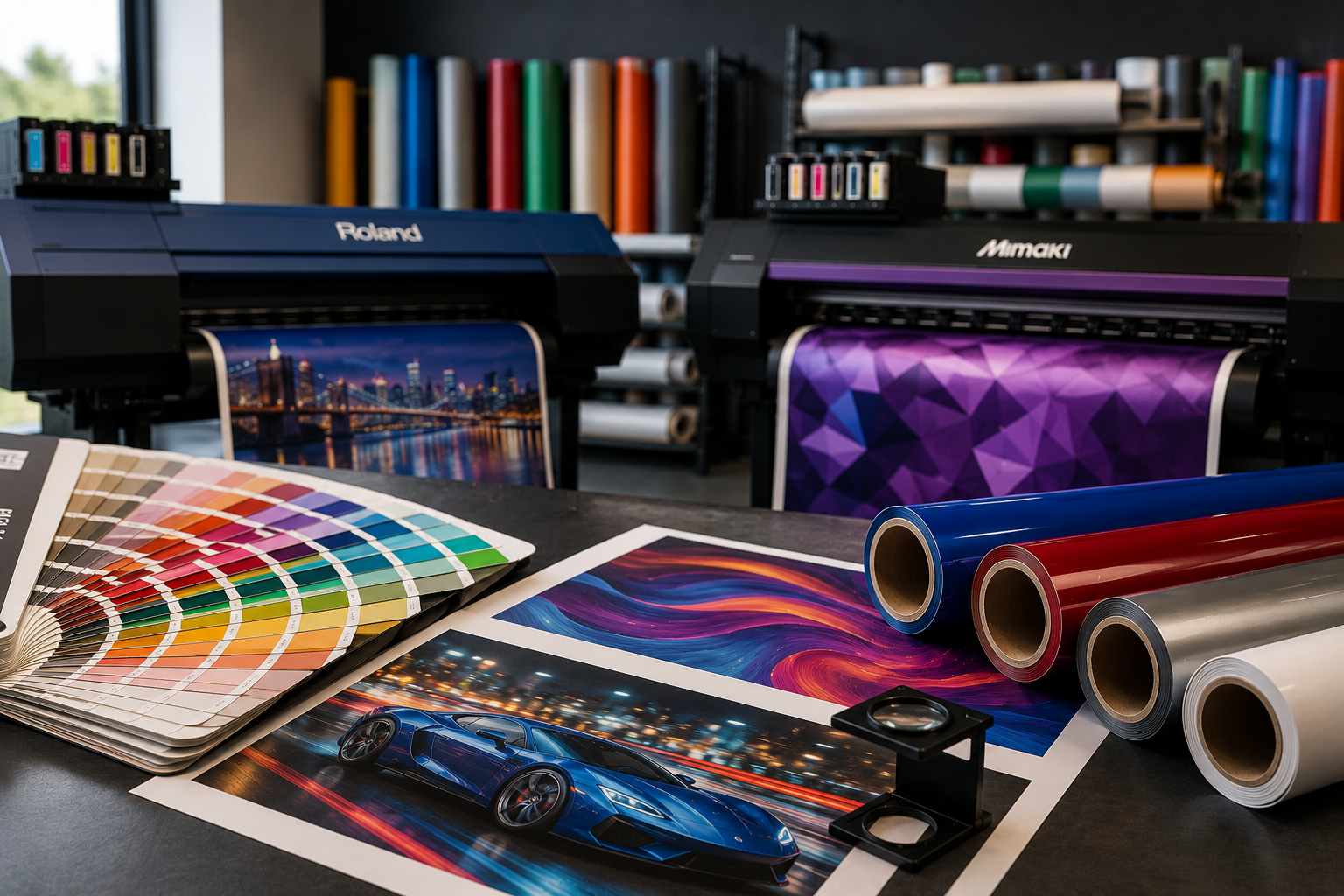
Both brands offer print-and-cut equipment, so the better choice depends on how much contour cutting your sign shop performs and how the workflow is structured.
A machine such as the Mimaki CJV330 combines printing and contour cutting in one system, with registration mark detection and functions such as over-cut, corner-cut and perforation cutting.
Roland also offers integrated print-and-cut systems. Its TrueVIS range includes printer cutters designed for professional sign and graphics production, while selected VersaSTUDIO models combine printing and contour cutting in a compact format.
For businesses producing decals, labels, stickers and shaped graphics, an integrated workflow can reduce handling between separate machines.
What most experts miss: The real productivity gain comes from the entire workflow. Registration, media loading, drying, cutting, weeding and finishing can create more delay than the actual printing stage.
This is why a wide format printer comparison in Australia should consider post-print processing rather than focusing only on metres per hour.
Which Printer Is Better For Different Sign Shop Applications?
The best machine depends heavily on what your shop produces each week.
-
Vehicle Graphics And Wraps
Vehicle work places greater demands on media handling, colour consistency and print quality across large panels. A reliable printer should work predictably with the vinyl and laminate systems used by the business.
-
General Signage
For standard signs, window graphics, banners and promotional work, media compatibility and production efficiency may matter more than advanced colour configurations.
-
Stickers And Decals
Print-and-cut capability becomes particularly valuable when shaped stickers and decals form a large part of production.
-
High Volume Production
Higher-volume shops should assess production speed, ink capacity, media handling, maintenance intervals and operator workload together.
A sign shop printer should therefore be selected around the jobs it will perform most frequently, rather than around occasional specialist applications.
How Do Running Costs Compare Between Roland And Mimaki?
Purchase price is only one part of printer ownership. Running costs can include ink, media, maintenance, replacement components, cleaning materials, electricity and operator time.
A useful evaluation should consider:
| Cost Area | What to Check |
| Ink | Ink consumption for typical production modes |
| Media | Compatible media costs and material wastage |
| Maintenance | Routine cleaning and scheduled servicing |
| Downtime | Impact of faults or maintenance on production |
| Labour | Operator time required for loading, calibration and finishing |
| Software | Included RIP tools and any additional software requirements |
For example, a printer with a higher initial price may make financial sense if it fits the shop’s production volume and reduces manual handling.
Bi-Wize currently supplies both Roland and Mimaki machinery and also provides machinery servicing, giving sign businesses an opportunity to consider equipment and ongoing support together.
What Should You Consider Before Choosing Roland Or Mimaki?
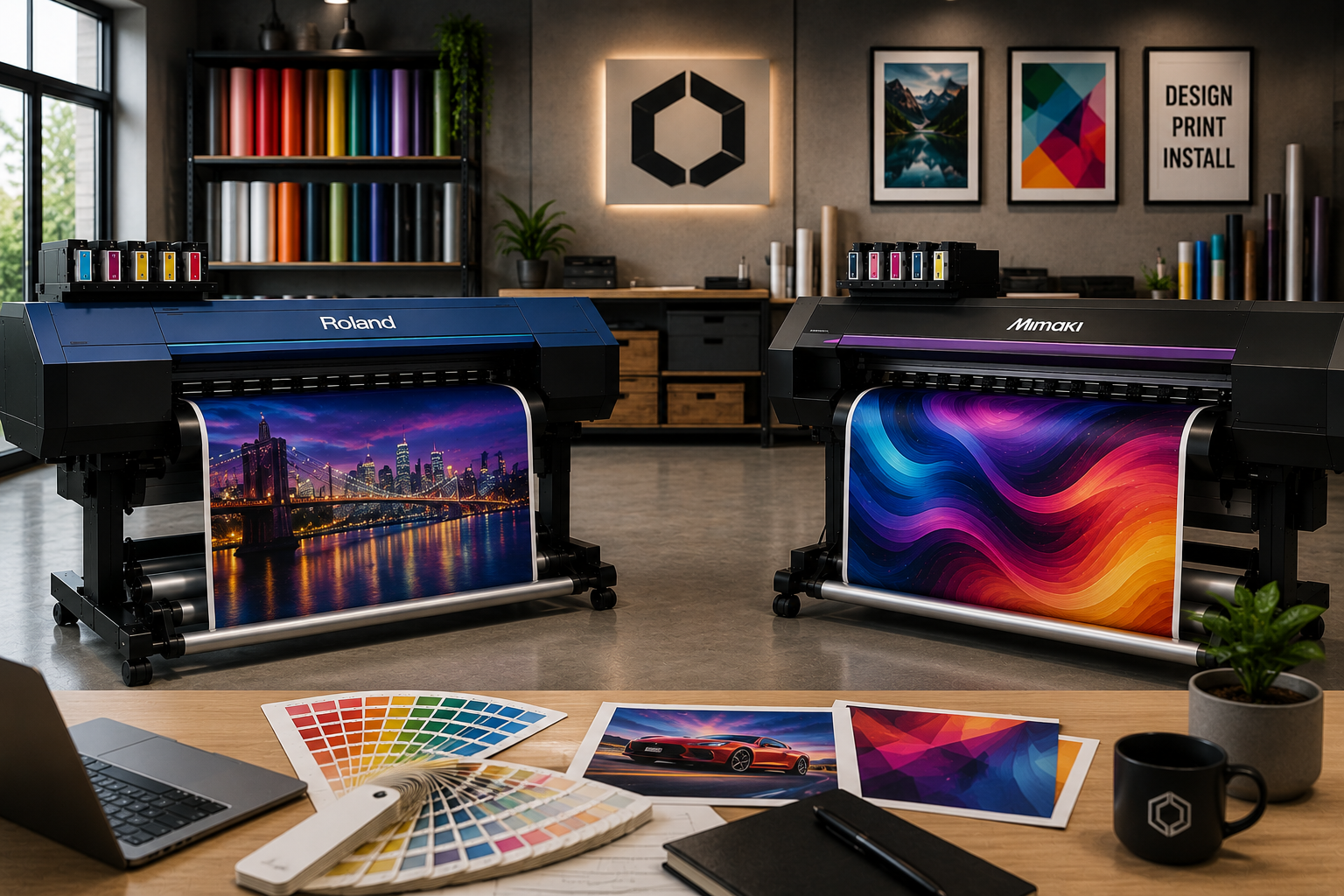
Start with the workflow rather than the machine specification. Define the work you actually expect the printer to handle over the next few years.
- Typical Job Types: Figure out what your most common signage, decals, vehicle graphics and display jobs are.
- Production volume: Log a believable weekly production rate instead of the advertised top speed.
- Media requirements: Test compatibility with the vinyl, banner and speciality media you already use.
- Finish workflow: Assess whether integrated cutting, lamination or other equipment will be needed.
- Operator capability: Think about the level of automation and ease of operation your team requires.
- Service access: Find out who will do maintenance, repairs and technical support.
When comparing the best wide format printer for vinyl, compatibility between the printer, ink, media, RIP and finishing equipment should be treated as one system.
Conclusion
The choice between Roland and Mimaki ultimately comes down to workflow, applications, production volume, media requirements and ongoing support. There is no single machine that suits every sign shop.
Bi-Wize has been supplying sign making supplies in the print industry with machinery, supplies and servicing supporting businesses across Victoria and Australia.
For businesses comparing both the options, the right approach is to assess the complete production process before choosing a model. Speaking with an experienced equipment supplier can help match the machine to your actual work and future requirements.
FAQs
How Important Is Printer Width When Choosing Wide Format Equipment?
Size the printer width for your largest jobs that you regularly run. A wider machine can do larger graphics in fewer panels, while a smaller machine may be better for shops that do mostly decals, stickers and small signage. Think about your average media sizes, not just what you can print at maximum width.
Does Printer Brand Affect The Choice Of RIP Software?
Yes. Printer manufacturers often develop or package RIP software that is built to work with their equipment. Roland machines typically use VersaWorks for selected models and Mimaki machines typically use RasterLink. The most important thing is to see how well the software can manage colour, media profiles, job setup and integrate into your current workflow.
Should A Sign Shop Buy A Printer Cutter Or Separate Machines?
If a large percentage of the workload is in shaped graphics then a printer cutter can make production easier. When printing and cutting volumes are high enough to justify dedicated equipment, separate machines may provide more flexibility. You should make your choice based on the volume of production, the workspace you have available and how often you need to print and cut at the same time.
How Does Servicing Affect Wide Format Printer Selection?
Servicing can have a direct effect on the continuity of production. Before buying, check who will provide technical support, how maintenance will be handled and whether replacement parts and consumables will be readily available. A printer that technically fits your workflow still needs practical support to remain productive over its working life.